
Category: Sellers
-
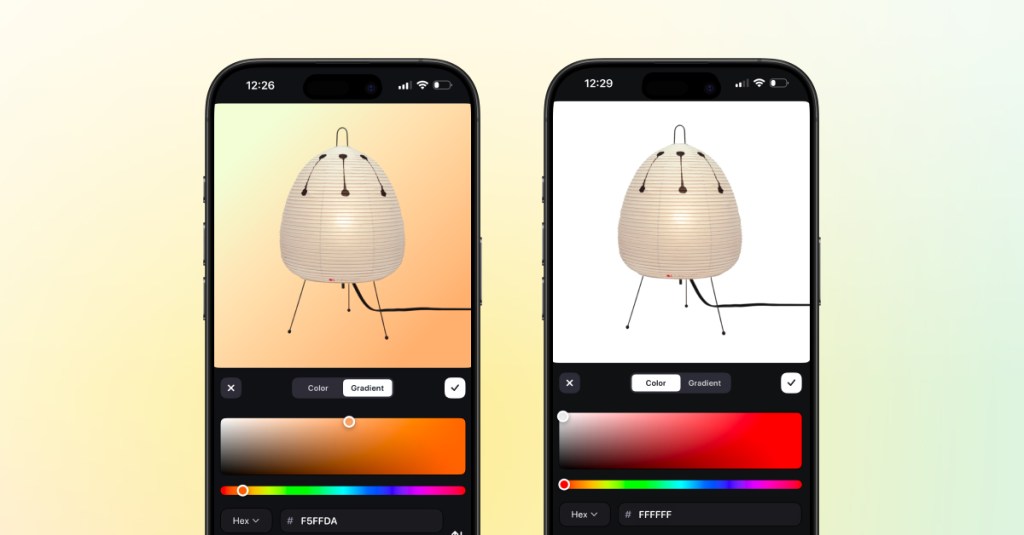
iOS App Camera Upgrade
We’ve upgraded the camera experience in the District iOS app to make creating listings faster, smoother, and more flexible. With the updated camera, you can capture photos and videos more easily while creating listings, then edit each image individually right in the app. The new experience gives you more control over how your listings look.…
-
Android Seller App Update: Listing Items
We’re continuing to expand the District Android app, and we’re excited to share a new update for sellers. If you’re using the Android app today, you can already go live and sell in real time. With this latest update, you can now also create and manage listings directly in the app. What’s New Android sellers…
-

Live Co-Hosting Just Got an Upgrade
Going live with a co-host is now even better. With the new update, viewers and sellers on iOS have more control over how they experience a co-hosted live. What’s new: Why it matters: Co-hosted lives are all about connection, collaboration, and making the show more dynamic. With these new controls, your viewers can enjoy the…
-
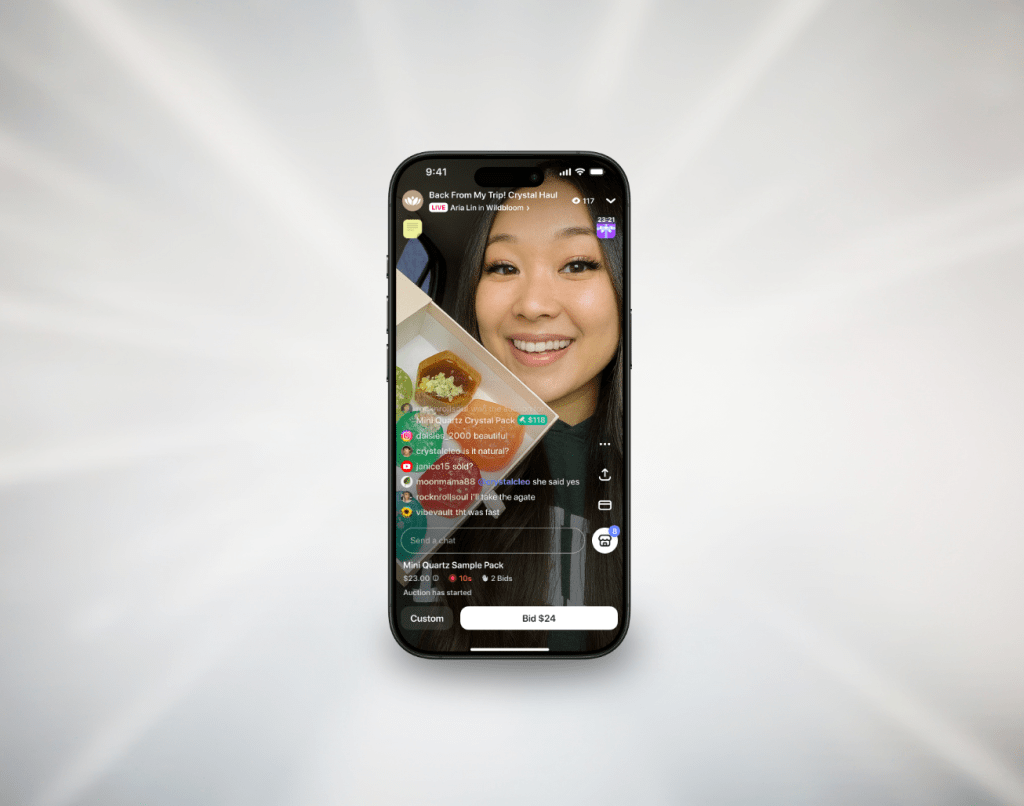
Assign Moderators to Support Your Lives
You can now assign live moderators to help keep things friendly and running smoothly during your live. Whether you’re expecting a busy chat or just want support in the background, your moderators are there to help so you can focus on selling and connecting with your audience. Moderators can: You can assign moderators while scheduling…
-

Create Your Own Discount Codes
We’re excited to announce a new tool for sellers: Discount Codes. Create custom discount codes directly from your seller dashboard on web to run promotions, reward customers, and grow your sales. Set up a percentage off, a fixed dollar amount, or free shipping in just a few clicks. You’re fully in control of how and…
-

Go Live Together with Co-Hosting
With Live Co-Hosting, sellers can invite another seller to join their livestream and go live together. Once they accept, buyers will see both video feeds and can tap to switch between them. Each host can add listings, run auctions, and keep the energy going—side by side. It’s an easy way to make your live more…
-

Post-Live Summary
You’ll now get a full recap of your show the moment you end a livestream. Your Post-Live Summary can be found in the Livestream tab on the app and web. You’ll still get it by email too, so it’s always easy to access whenever you need it. It gives you a clear snapshot of how…
-

Bulk Shipping is Here
Fulfilling orders just got faster. With District’s new Bulk Shipping feature, you can select multiple orders and generate all your labels at once. You’ll find it in your Seller Dashboard on desktop. Faster fulfillment, whether it’s a light day or your busiest one yet. Why use Bulk Shipping? View the step-by-step Bulk Shipping guide here.
-

Sudden Death Mode for Live Auctions
We’ve just launched Sudden Death Mode—a new way to run live auctions on District. By default, live auctions include a soft close: if someone places a bid in the final 10 seconds, the timer resets. Now, sellers have the option to turn on Sudden Death Mode to remove that extension. The timer counts down—and when…
-
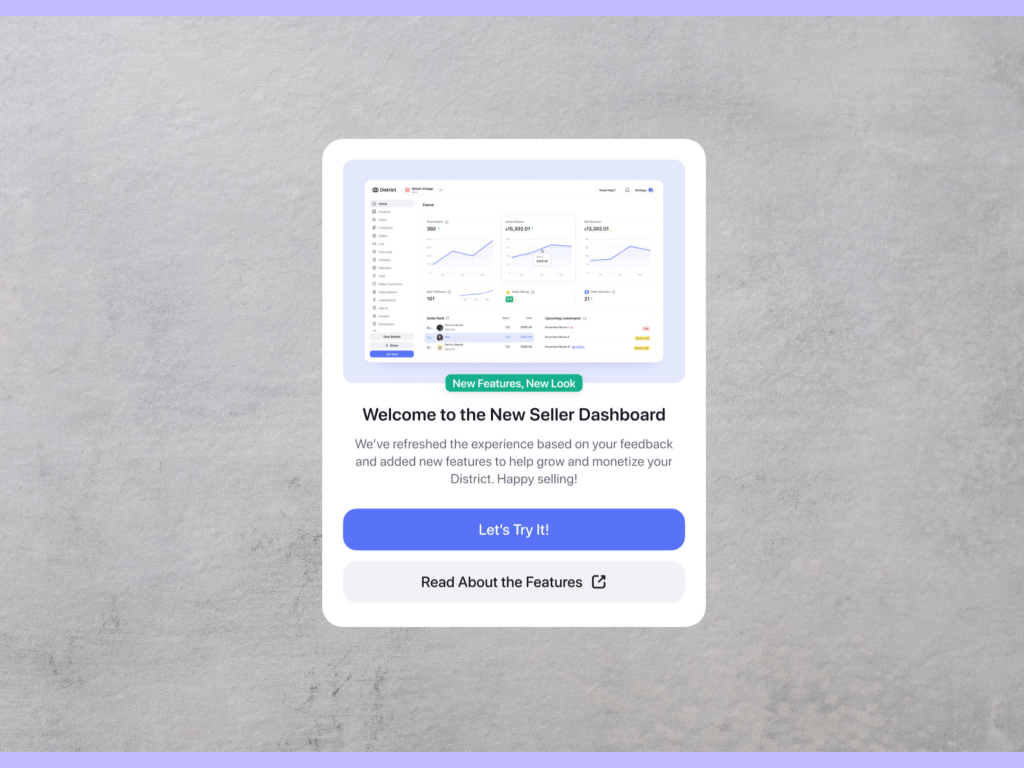
Big Updates to Your Seller Dashboard—Here’s What’s New!
We’re excited to announce our brand-new web Seller Dashboard, designed to give you more powerful tools, a smoother user experience, and faster performance. Whether you’re a seller or an owner, managing your business on District just got a whole lot easier. What’s New? The new web Seller Dashboard, available on both desktop and mobile web,…
 Blog
Blog 