
Category: Product Updates
-

Discover Businesses Powered by District
We’ve updated the District Discover page to make it easier to explore the businesses powered by District. Now you can: Whether you’re looking to watch, shop, or see how businesses are using District, Discover is the place to start.
-

Create and Manage Community Subscriptions
You (owners) can now create and manage Community Subscriptions directly from your District dashboard. A Community Subscription is a paid monthly or annual membership that gives subscribers special benefits while supporting your platform. Customize benefits to fit your community You can create a single subscription or offer multiple tiers, each with different pricing and perks.…
-
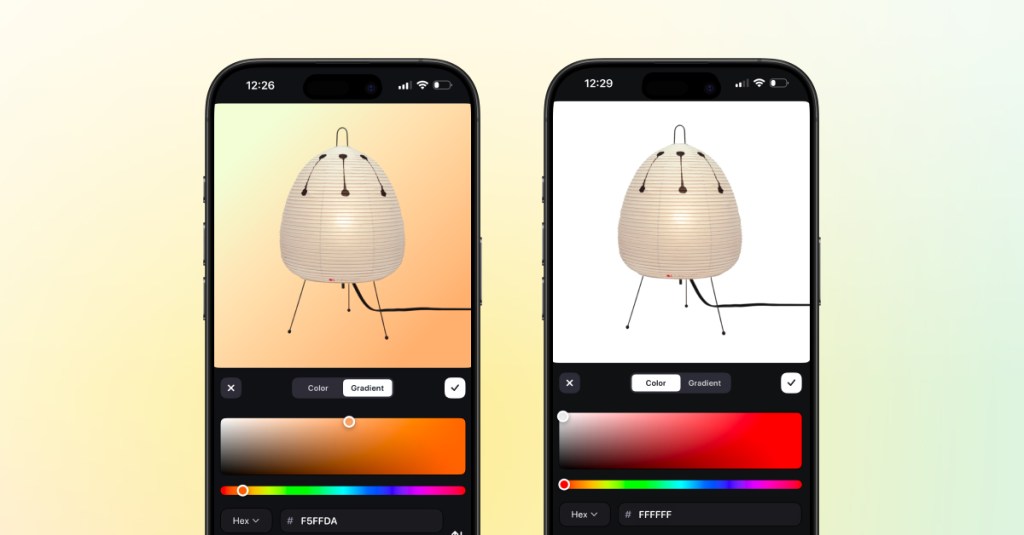
iOS App Camera Upgrade
We’ve upgraded the camera experience in the District iOS app to make creating listings faster, smoother, and more flexible. With the updated camera, you can capture photos and videos more easily while creating listings, then edit each image individually right in the app. The new experience gives you more control over how your listings look.…
-
Android Seller App Update: Listing Items
We’re continuing to expand the District Android app, and we’re excited to share a new update for sellers. If you’re using the Android app today, you can already go live and sell in real time. With this latest update, you can now also create and manage listings directly in the app. What’s New Android sellers…
-
District Owner Updates: January
Manage Chat Channels You can now create new chat channels, edit existing ones, and re-order them directly from your Dashboard. Use Sections to create unique groupings of chat channels for easier navigation. Create Live Collections Live Collections let you group livestreams into curated collections you can feature on your homepage, perfect for organizing your own shows and giving sellers clear…
-
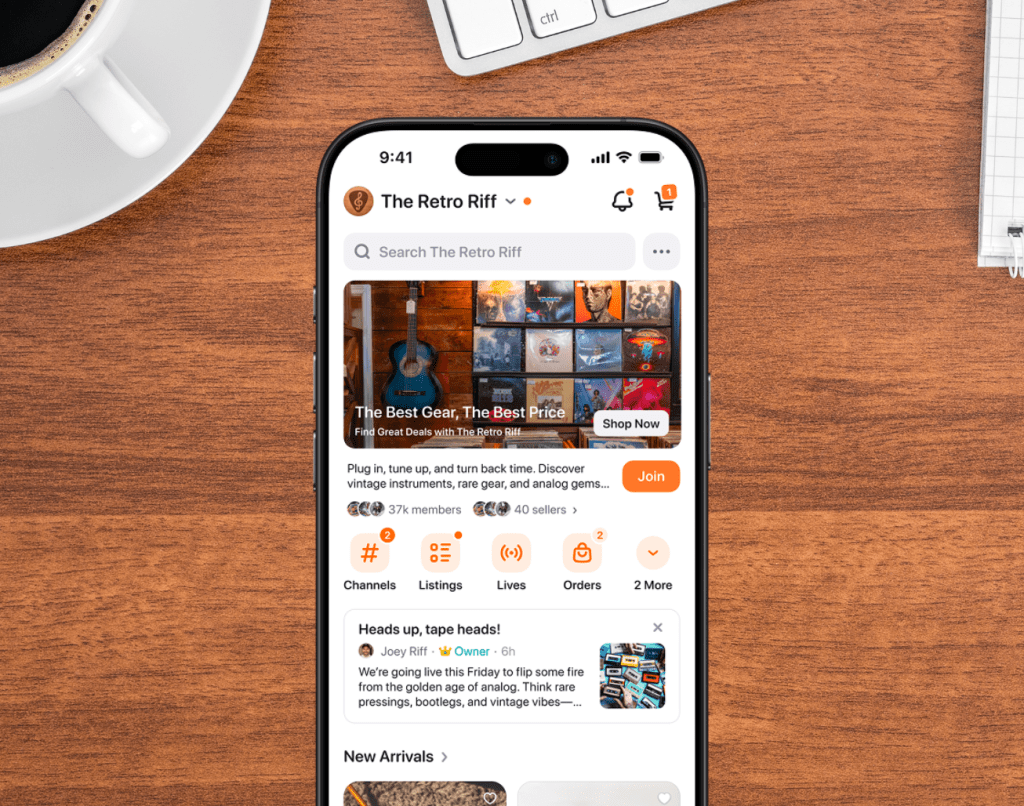
New iPhone App Design — Version 3.0
The District iPhone app has a new look.Version 3.0 introduces an improved design and layout for a smoother experience overall.You’ll notice updates across Discover and Home that make it easier to navigate, shop, and connect from your phone. Update in the App Store to try the new version.
-

Live Co-Hosting Just Got an Upgrade
Going live with a co-host is now even better. With the new update, viewers and sellers on iOS have more control over how they experience a co-hosted live. What’s new: Why it matters: Co-hosted lives are all about connection, collaboration, and making the show more dynamic. With these new controls, your viewers can enjoy the…
-
Assign Moderators to Support Your Lives
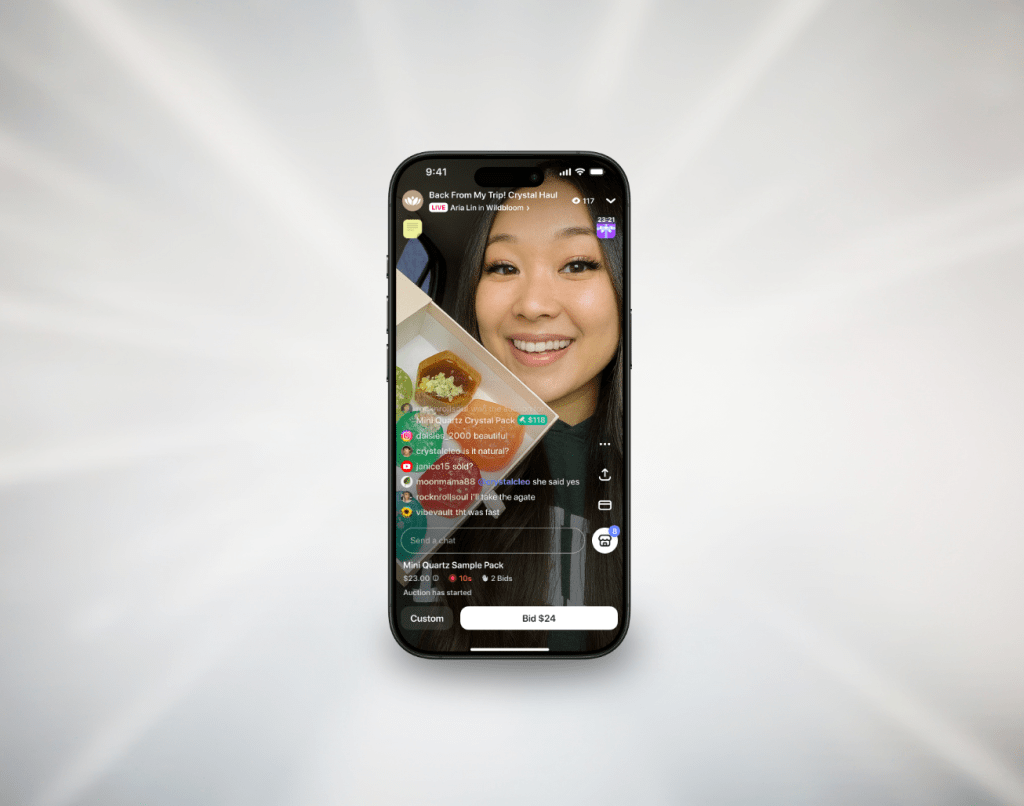
You can now assign live moderators to help keep things friendly and running smoothly during your live. Whether you’re expecting a busy chat or just want support in the background, your moderators are there to help so you can focus on selling and connecting with your audience. Moderators can: You can assign moderators while scheduling…
-

Create Your Own Discount Codes
We’re excited to announce a new tool for sellers: Discount Codes. Create custom discount codes directly from your seller dashboard on web to run promotions, reward customers, and grow your sales. Set up a percentage off, a fixed dollar amount, or free shipping in just a few clicks. You’re fully in control of how and…
-

Go Live Together with Co-Hosting
With Live Co-Hosting, sellers can invite another seller to join their livestream and go live together. Once they accept, buyers will see both video feeds and can tap to switch between them. Each host can add listings, run auctions, and keep the energy going—side by side. It’s an easy way to make your live more…
 Blog
Blog 